
코드작업하시는 작업자들은
비주얼 스튜디오를 많이 사용하시는데요,
예전에는
나모에디터, 드림위버, 아톰, 에디터플러스등의
에디터를 사용했었습니다.
비주얼 스튜디오를 많이 쓰는 이유는
무료로 배포하기도 하고
비교적 코드 작업하기 용이하기 때문이겠죠.
비주얼스튜디오는 무겁기 때문에
비교적 가벼운 비주얼코드스튜디오로 설치해보겠습니다.
비주얼 스튜디오 무료 다운로드
https://visualstudio.microsoft.com/ko/downloads/
Visual Studio Tools 다운로드 - Windows, Mac, Linux용 무료 설치
Visual Studio IDE 또는 VS Code를 무료로 다운로드하세요. Windows 또는 Mac에서 Visual Studio Professional 또는 Enterprise Edition을 사용해 보세요.
visualstudio.microsoft.com
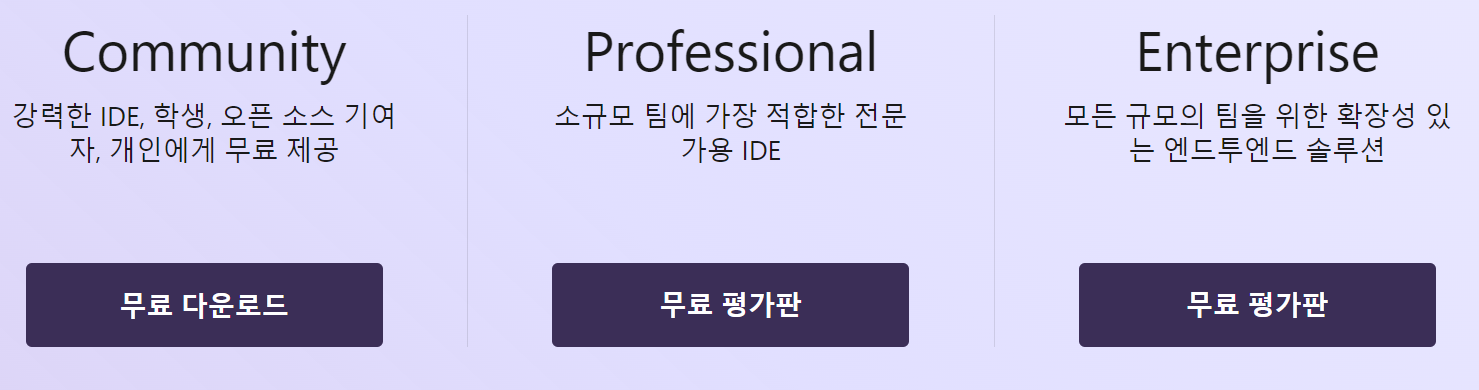
비주얼 스튜디오 코드 무료 다운로드
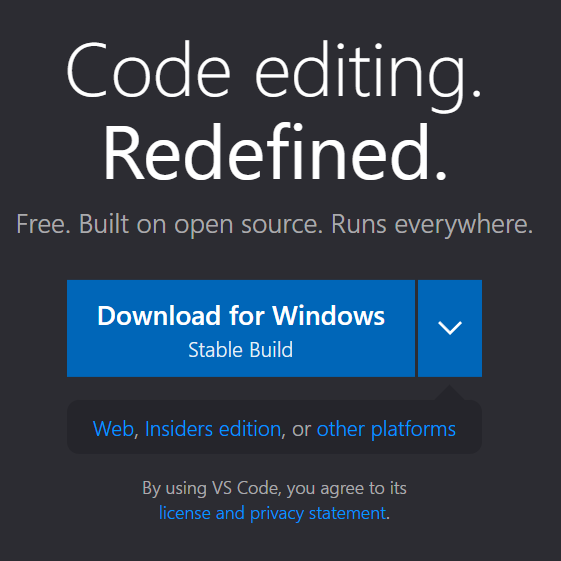
https://code.visualstudio.com/
Visual Studio Code - Code Editing. Redefined
Visual Studio Code is a code editor redefined and optimized for building and debugging modern web and cloud applications. Visual Studio Code is free and available on your favorite platform - Linux, macOS, and Windows.
code.visualstudio.com
설치과정은 다운받으신 파일을 실행하시면
추가적으로 복잡하게 설치되는 부분이 없기
때문에 패스하겠습니다.
'인터넷 정보' 카테고리의 다른 글
| 2023 명품특산물 페스티벌 !!무료사전예약!! (244) | 2023.08.11 |
|---|---|
| 티스토리, 외부이미지 링크시 보이지 않을때 방법 (38) | 2023.08.09 |
| 네이버 배송지정보 바꾸기 (129) | 2023.08.08 |
| 왕초보도 하는 아이템스카우트 활용하여 상품 키워드 찾기! (35) | 2023.08.08 |
| 사용자계정이 한글일 경우, 이름변경 및 파일변경! 완벽정리~ (363) | 2023.08.03 |


